Nordhealth
Xero Integration
My role: UX/UI designer
Time: September - December 2021
Tools: Figma
Project outcome: A middleware webpage where users can set up a connection with Xero service from Provet and transfer invoices and payments.
Overview
This project was a reworked feature that initially existed in the current product’s add-ons.
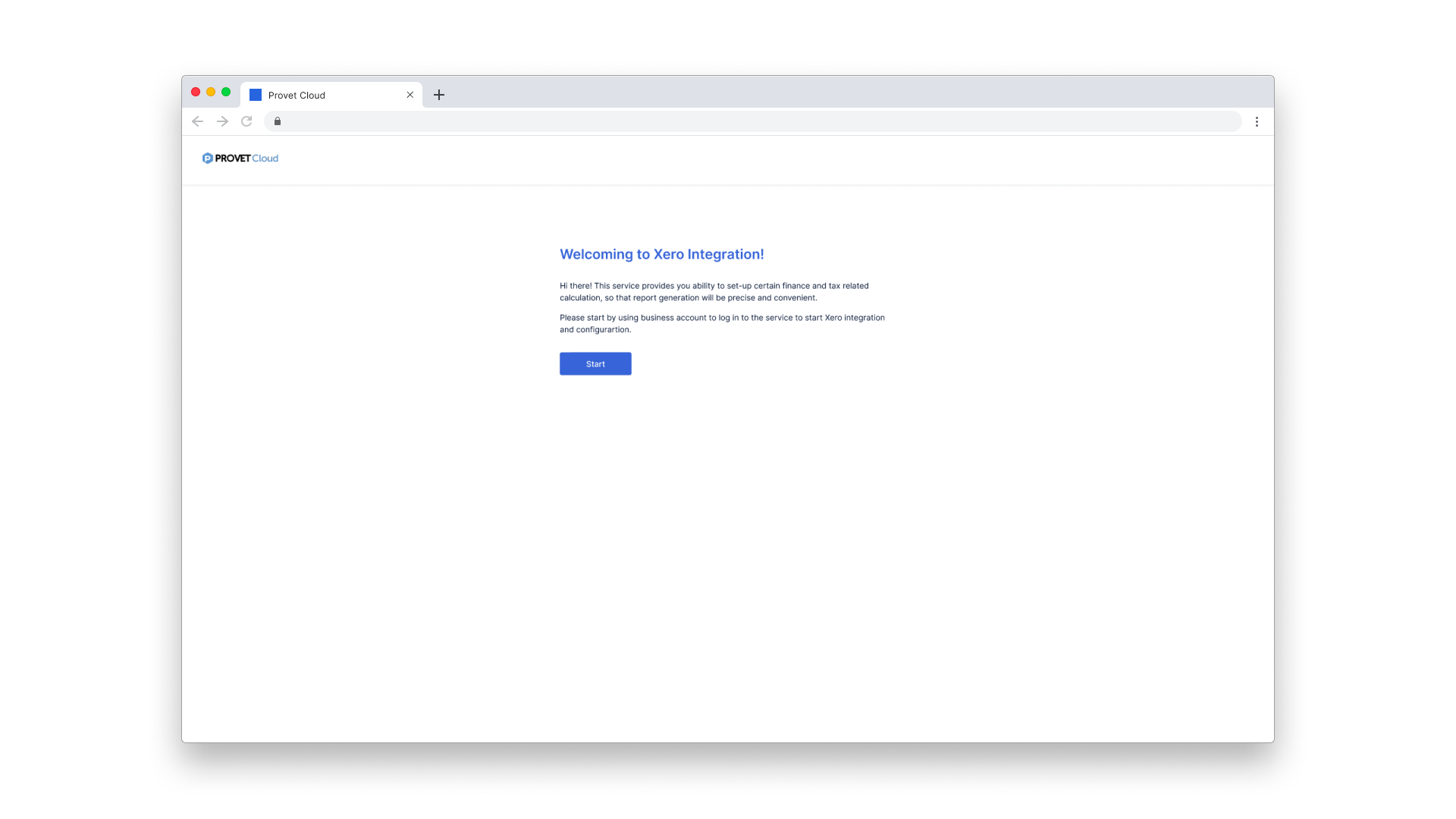
Xero welcome screen
Problem statement
While the feature was live for end-users, it was reported that invoices were sent but not received in the Xero system. Leaving alone the functionality of the feature, the interface was considered for a new UI change, therefore, when the design system team at the time just released unified components, redesigning the UI was naturally brought to the project’s cope as well.
Goal
The feature’s ultimate goal is to allow users to send invoices and payments to the Xero system from Provet. Besides, a need of redesigning the current UI comes with a requirement that let users reconfigure what was already set up beforehand. This means the user needs an interface to input the clinic’s credentials for connection, map tax levels, and configure other necessary settings.
User stories
As an accountant working in a clinic, I want all invoices and payments from Provet transferred smoothly to Xero, which is the main tool of my work.
Certain invoices were failed to fetch, I need a dashboard that displays a list of transferred invoices and notifications of which payments were made. From the dashboard, I can track which invoice failed to reach Xero, so I can act on resending it.
Once in a while, I need to access the tax level settings and other necessary configurations to make sure that values are correct and up-to-date.
Design process highlights
With findings and requirements in place, it was pretty straightforward for me to start sketching user flow and gradually grasping design system components for users in building high fidelity screens. When it comes to user flow, there are two scenarios which are “sign in and configure” and “log in”.
For a scenario where a user needs to start reconnecting Provet with Xero, I realized a proper onboarding and a UI with steppers were needed to build a comprehensive and cohesive flow. On the other hand, having this stepper approach would help users expect how far they have gone through the process and how many steps are left to expect.
Since this feature was already built with the backend side, I often checked in with the developer to make sure the UI went with the current code logic.